.jpg)
How to Set Up Smart Home Devices for Effortless Control
- stuart cholerton
- Jan 17
- 8 min read

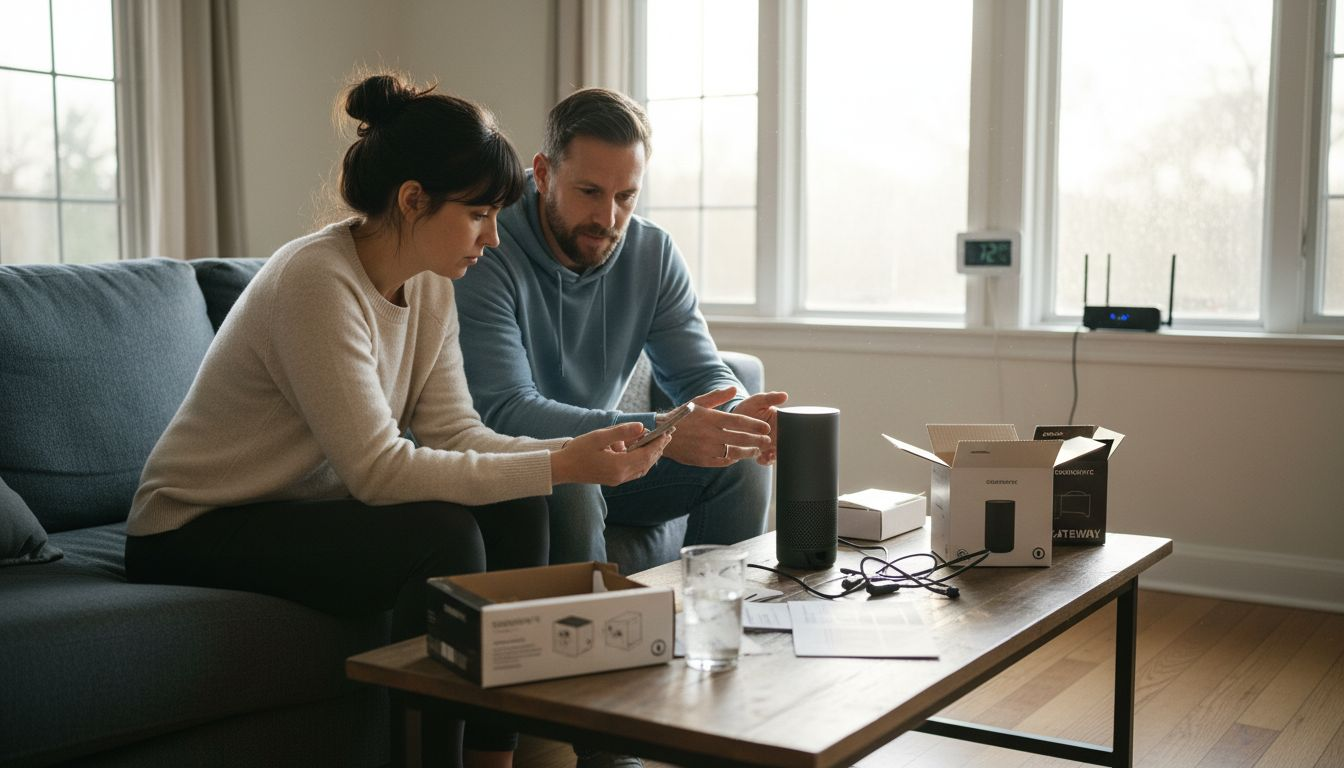
Finding smart home devices that truly work together can quickly become a frustrating chore. Choosing compatible products matters not just for smooth automation but also for saving time and money in the long run. If you want your home to be hassle-free, building an interconnected setup with proven compatibility means less troubleshooting and more convenience. This guide brings you practical tips on selecting affordable smart devices that keep things easy and secure for your everyday routine.
Table of Contents
Quick Summary
Key Point | Explanation |
1. Choose compatible devices | Ensure devices use compatible protocols like Wi-Fi, Zigbee, or Z-Wave for smooth integration. |
2. Secure your wireless network | Change default passwords, enable WPA3/WPA2, and consider a separate network for devices to enhance security. |
3. Optimize device placement | Strategically place devices for better connectivity, avoiding interference from obstacles like metal objects. |
4. Connect with official apps | Use official manufacturer apps for setup to create seamless control and enable security features like two-factor authentication. |
5. Verify functionality and automate | Test each device for proper operation and set up automation routines to enhance convenience and energy efficiency. |
Step 1: Select compatible smart home devices
Selecting compatible smart home devices is your gateway to creating a seamless, integrated home automation system. The key is understanding how different devices communicate and work together, ensuring you build a network that functions smoothly without constant technical headaches.
Start by investigating the primary communication protocols your potential devices support. Most smart home systems rely on wireless standards like Wi-Fi, Zigbee, or Z-Wave. Compatibility matters critically for creating an interconnected home environment that responds intuitively to your needs. Look for devices that support open standards or have proven integration capabilities with major smart home platforms like Amazon Alexa, Google Home, or Apple HomeKit.
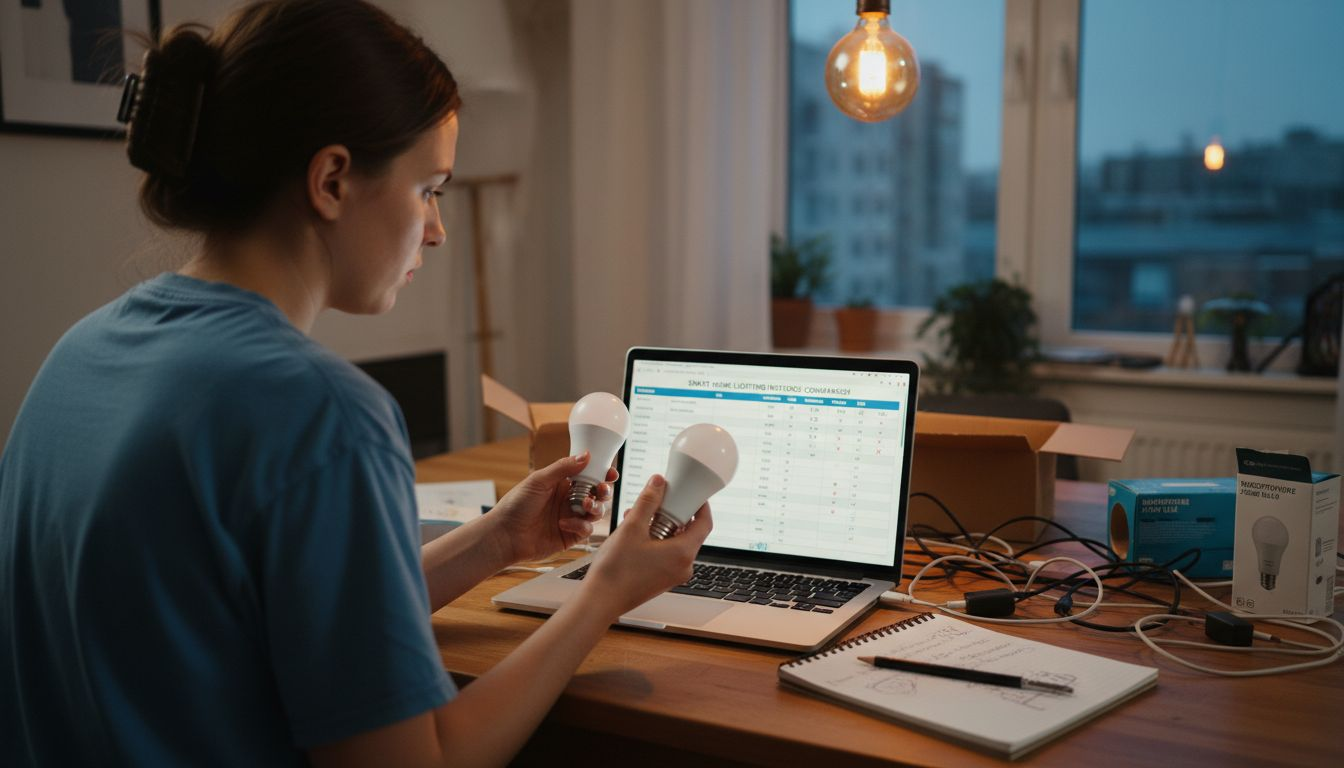
Prioritize devices from manufacturers known for strong ecosystem integration. When shopping, check the packaging or online specifications for compatibility logos or listed smart home platform support. This approach helps you avoid purchasing devices that operate in isolation, preventing the frustration of incompatible technology that fails to communicate effectively.
Pro Tip: Before purchasing any smart home device, create a screenshot of your current smart home setup and bring it to the store or check online compatibility charts to ensure seamless integration.
Here’s a comparison of popular smart home wireless protocols to help you select the right devices:
Protocol | Range | Power Usage | Integration Support |
Wi-Fi | Up to 150 feet | High | Amazon Alexa, Google Home |
Zigbee | 30-50 feet | Low | Wide ecosystem, many brands |
Z-Wave | 100 feet | Very Low | Good for secure home use |
Bluetooth | 30 feet | Very Low | Limited, mostly app-based |
Step 2: Prepare your wireless network and accounts
Setting up a secure wireless network is the foundation of a reliable smart home system. Your goal is to create a robust digital environment that protects your devices and personal information while ensuring smooth communication between your smart home components.
Securing your home network starts with several critical steps. Begin by accessing your router settings and changing the default password to a strong, unique combination of letters, numbers, and symbols. Enable the most recent wireless security protocol like WPA3 or WPA2 to encrypt your network traffic. Consider creating a separate guest network specifically for your smart home devices, which adds an extra layer of protection by isolating these devices from your primary network.
Pay close attention to your device account credentials. Use unique passwords for each smart home platform and enable two factor authentication whenever possible. NSA network security guidelines recommend regularly updating firmware on your router and smart home devices to patch potential security vulnerabilities. This proactive approach helps prevent unauthorized access and ensures your smart home remains a secure, smoothly functioning ecosystem.
Pro Tip: Create a dedicated email address exclusively for managing smart home accounts to streamline security and reduce potential exposure of your primary email.
This summary outlines essential steps for securing your smart home network:
Security Step | Why It Matters | Additional Benefit |
Change default password | Prevents easy access | Protects core home network |
Use WPA2/WPA3 encryption | Encrypts traffic | Keeps data secure |
Separate guest network | Isolates devices | Limits exposure of main data |
Two-factor authentication | Stops account breaches | Strengthens account control |
Step 3: Install devices in optimal locations
Installing smart home devices requires strategic planning to maximize functionality and performance. Your goal is to create a seamless network of devices that communicate effectively and enhance your home environment without creating technical obstacles.
Smart home installation planning involves carefully considering the physical layout and usage patterns of your living space. Start by mapping out your home and identifying key areas where smart devices will provide the most value. For wireless devices like sensors or cameras, ensure clear line of sight and proximity to power outlets. Avoid placing devices near metal objects or appliances that might interfere with wireless signals. Consider mounting motion sensors at standard human height and positioning smart thermostats away from direct sunlight or heating vents to ensure accurate temperature readings.
Pay special attention to network connectivity when positioning your devices. Strategically place Wi-Fi extenders or mesh network nodes to eliminate dead zones and ensure consistent signal strength throughout your home. Some smart home devices require specific proximity to your central hub or router, so plan your layout accordingly. Think about the practical aspects of device placement consider ease of access for maintenance, battery replacement, and everyday interaction.
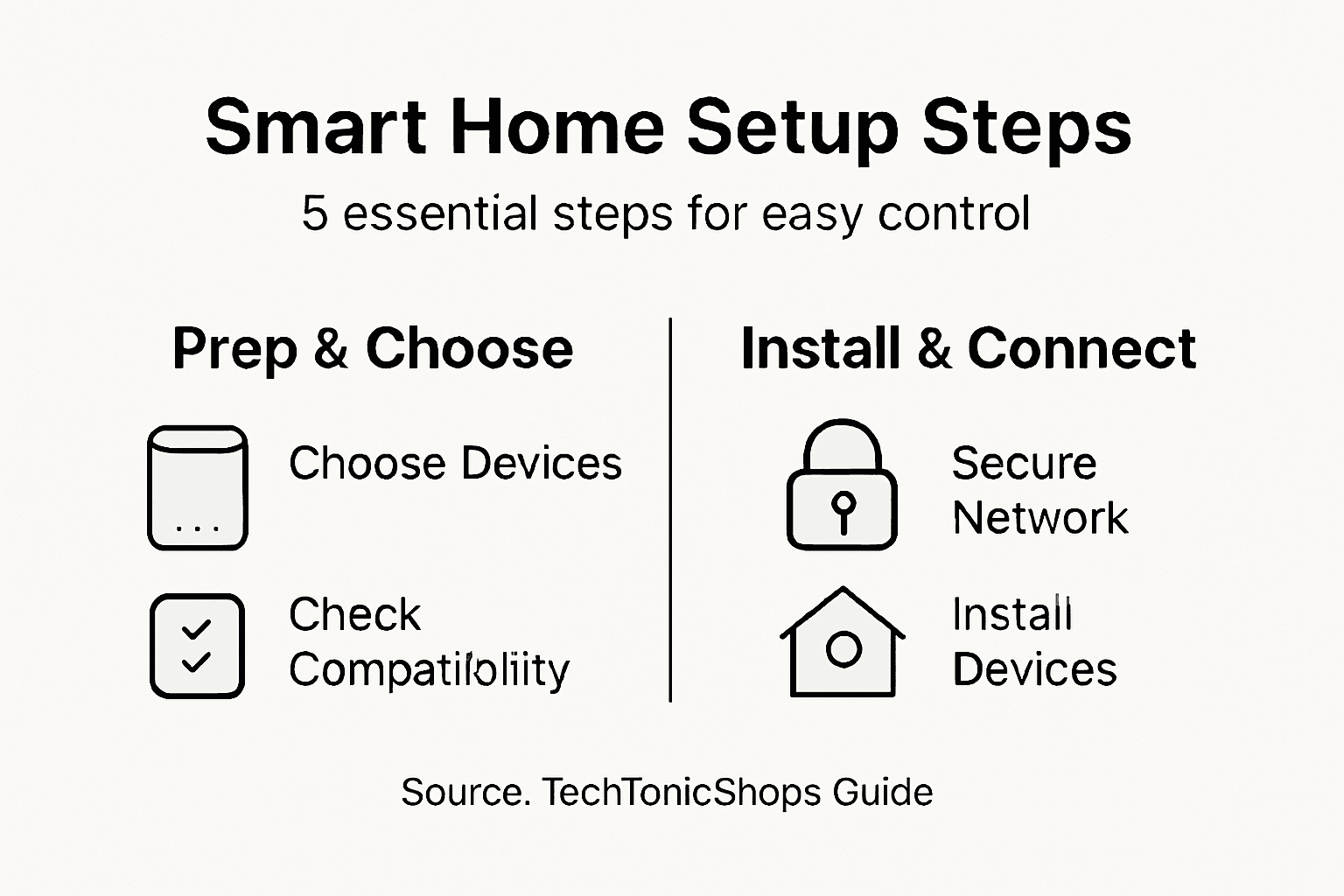
Pro Tip: Create a digital floor plan sketch before installation to visualize optimal device placement and identify potential connectivity challenges.
Step 4: Connect devices to your smart home app
Connecting your smart home devices to their respective apps is the critical bridge between hardware and seamless home automation. Your mission is to establish reliable digital connections that transform individual devices into a synchronized smart home ecosystem.
Securing internet connected devices requires careful attention during the setup process. Start by downloading the official manufacturer app for each device directly from your smartphone’s app store. Ensure your devices are powered on and within range of your home wireless network. Most smart home apps will guide you through a step by step pairing process that typically involves scanning a QR code or pressing a specific button on the device to initiate connection. Be prepared to create unique user accounts and enable two factor authentication to maximize your security.
Once individual devices are connected, explore your app’s advanced configuration options. Many smart home platforms allow you to create automation scenes, set custom rules, and integrate devices from different manufacturers. Take time to understand the full range of control and customization available through your app. Pay attention to firmware update notifications and install them promptly to maintain optimal device performance and security.
Pro Tip: Screenshot your device configuration and login credentials, then store them securely in a password manager for easy future reference.
Step 5: Verify device function and automate settings
Verifying your smart home devices and creating intelligent automation routines transforms your technology from basic gadgets to a responsive, intuitive home ecosystem. Your goal is to ensure each device operates correctly and works harmoniously with your overall smart home strategy.
IoT enabled smart home systems require systematic testing and configuration to maximize performance. Begin by individually testing each device through its dedicated app, checking for responsive controls and accurate sensor readings. Simulate different scenarios to confirm functionality like motion detection, temperature sensing, or camera tracking. Create test automation sequences that trigger device actions under specific conditions such as time of day, occupancy, or environmental changes.
Advanced automation requires thoughtful planning. Energy Star smart home recommendations suggest developing schedules that optimize energy efficiency and convenience. Program your smart thermostats to adjust temperatures based on occupancy, set lighting to dim during daytime hours, and configure security devices to activate during specific time frames. Monitor device performance alerts and be prepared to fine tune settings as you learn your home’s unique patterns and preferences.
Pro Tip: Create a spreadsheet tracking each device’s automation rules and performance metrics to help you quickly identify and resolve any unexpected behaviors.
Enhance Your Smart Home Setup with TechTonicShops
Struggling to find compatible smart home devices that work flawlessly together and fit your lifestyle? This article highlights the essential steps to select the right devices, secure your network, and automate your home for effortless control. At TechTonicShops, we understand the challenges of building a reliable smart home ecosystem. That is why we offer a wide range of smart bulbs, wireless chargers, and small electronic appliances designed for seamless integration. Our products help you overcome compatibility worries and simplify installation.

Discover how TechTonicShops can help you transform your home into a smart sanctuary at TechTonicShops today. Explore our selection and take advantage of competitive prices, customer support, and a streamlined shopping experience tailored for tech enthusiasts and everyday users. Start upgrading your home automation system now by visiting TechTonicShops and making smart choices that guarantee convenience and peace of mind.
Frequently Asked Questions
How do I select compatible smart home devices?
To select compatible smart home devices, focus on the communication protocols they support, such as Wi-Fi, Zigbee, or Z-Wave. Check for compatibility logos and integration capabilities with major smart home platforms like Amazon Alexa or Google Home to ensure seamless use.
What steps should I take to prepare my wireless network for smart home devices?
Begin by changing your router’s default password to a strong combination of letters, numbers, and symbols. Enable the latest encryption protocols like WPA2 or WPA3 to secure your network, and consider creating a separate guest network for your smart devices to maximize safety.
How should I install my smart home devices for optimal performance?
Install your smart home devices strategically by ensuring they have a clear line of sight to their corresponding central hub or router. Position them away from metal objects and appliances that may interfere with signals, and mount motion sensors at standard human height for the best responsiveness.
What is the process for connecting smart home devices to an app?
To connect your smart home devices, download the official manufacturer app for each device and ensure they are powered on and within your wireless network range. Follow the app’s guided pairing process, which often involves scanning a QR code or pressing a button on the device to establish the connection.
How can I verify the functionality of my smart home devices?
Verify each smart home device’s functionality by testing them individually within their respective apps. Check for responsive controls and accurate readings, and create test scenarios that simulate different situations to ensure everything operates as expected.
What automation settings should I consider for my smart home?
Consider creating automation routines that optimize energy efficiency and convenience, such as programming your thermostat to adjust based on occupancy. Develop schedules for lighting and security devices to enhance your home’s functioning, and monitor performance alerts to fine-tune settings as needed.
Recommended

Comments